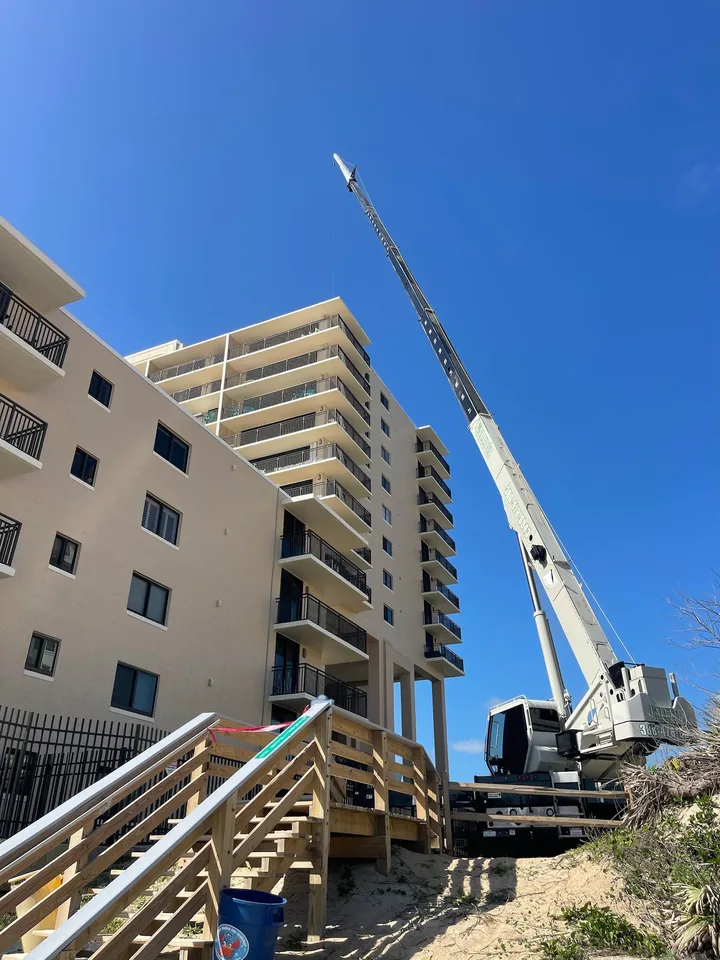
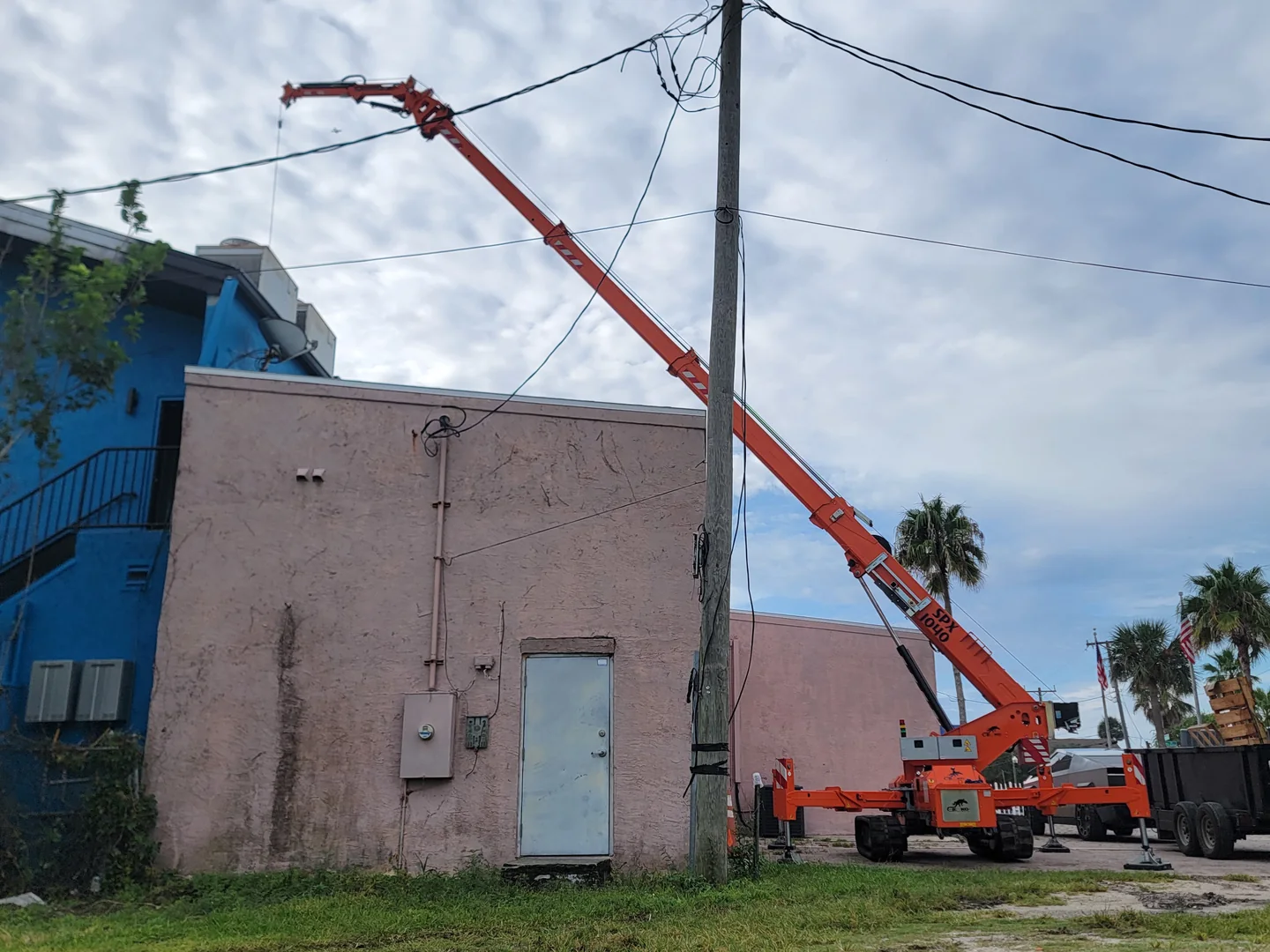
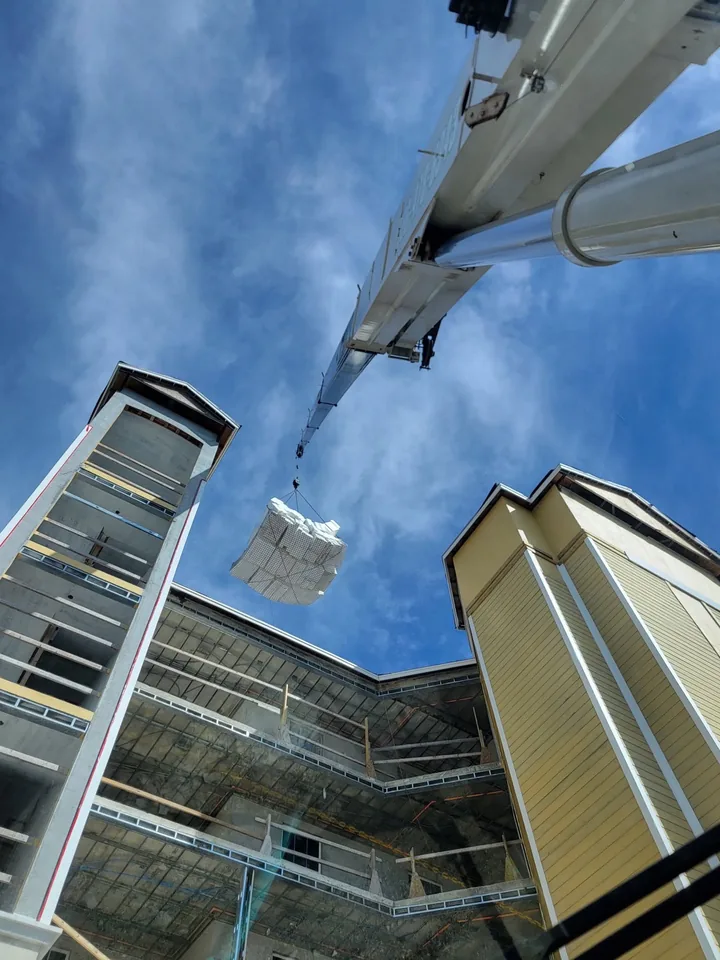
THREE PERSPECTIVES /SWIPE TO EXPLOREUP CLOSE. ON LOCATION.
01 FALETTI / IN THE FIELD02 FALETTI / IN THE FIELD03 FALETTI / IN THE FIELD
THE BIG PICTURE / THE WORK IN FRONT OF US
DIFFERENT JOBS. THE SAME FOCUS.
04 FALETTI / IN THE FIELD05 FALETTI / IN THE FIELD06 FALETTI / IN THE FIELD
MORE FROM THE FIELD 16 more photographs+
07 FALETTI / IN THE FIELD08 FALETTI / IN THE FIELD09 FALETTI / IN THE FIELD10 FALETTI / IN THE FIELD11 FALETTI / IN THE FIELD12 FALETTI / IN THE FIELD13 FALETTI / IN THE FIELD14 FALETTI / IN THE FIELD15 FALETTI / IN THE FIELD16 FALETTI / IN THE FIELD17 FALETTI / IN THE FIELD18 FALETTI / IN THE FIELD19 FALETTI / IN THE FIELD20 FALETTI / IN THE FIELD21 FALETTI / IN THE FIELD22 FALETTI / IN THE FIELD
Keep Faletti close. Open straight to Plan Your Lift, with the menu, Call link and the rest of the site still available.
Install a shortcut to Plan Your Lift. An internet connection is required; installing does not submit an inquiry or provide offline access.
Installation options depend on your browser and device.
For a Home Screen shortcut, first open Plan Your Lift, then follow your browser’s steps. Navigating there leaves any current unsaved draft behind.
iPhone or iPad · Safari
Open the form in Safari. Use Share (sometimes inside the Page Menu), then Add to Home Screen. If offered, turn on Open as Web App, then tap Add. If the option is missing, check Edit Actions in the share sheet.
Android · Chrome
Open the form in Chrome. Open the ⋮ menu, choose Install and create shortcut, then Install if offered. Older versions may call this Add to home screen. Some devices offer a shortcut instead. Follow Chrome’s confirmation steps.
Computer · Chrome or Edge
In Chrome, use More → Cast, save, and share → Install page as app, if offered. In Edge, use Settings and more → More tools → Apps → Install this site as an app, if offered. An install icon may also appear in the address bar.
Mac · Safari
On macOS Sonoma or later, open the form in Safari and choose File → Add to Dock (or Share → Add to Dock). Review the name and choose Add.
Another browser, or no install option?
Look for Install or Add to Home Screen in your browser’s menu or share sheet. Availability and wording vary; a shortcut may open a browser tab. If your browser has no option, bookmark Plan Your Lift and use the website normally.