← ALL SEVEN SERVICES

FALETTI / CRANE SERVICES

FIGHT GRAVITY
WITH HYDRAULICS.

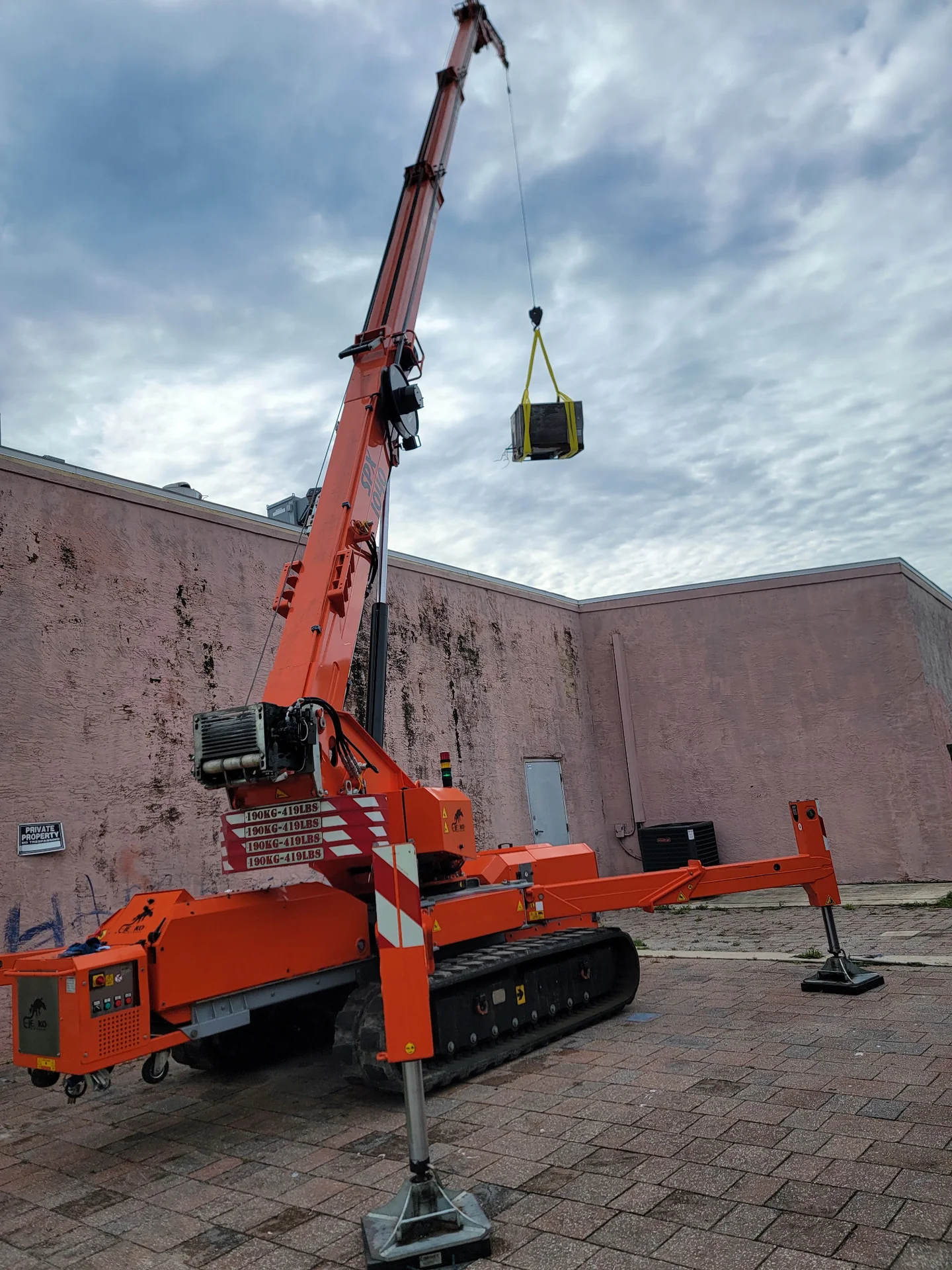
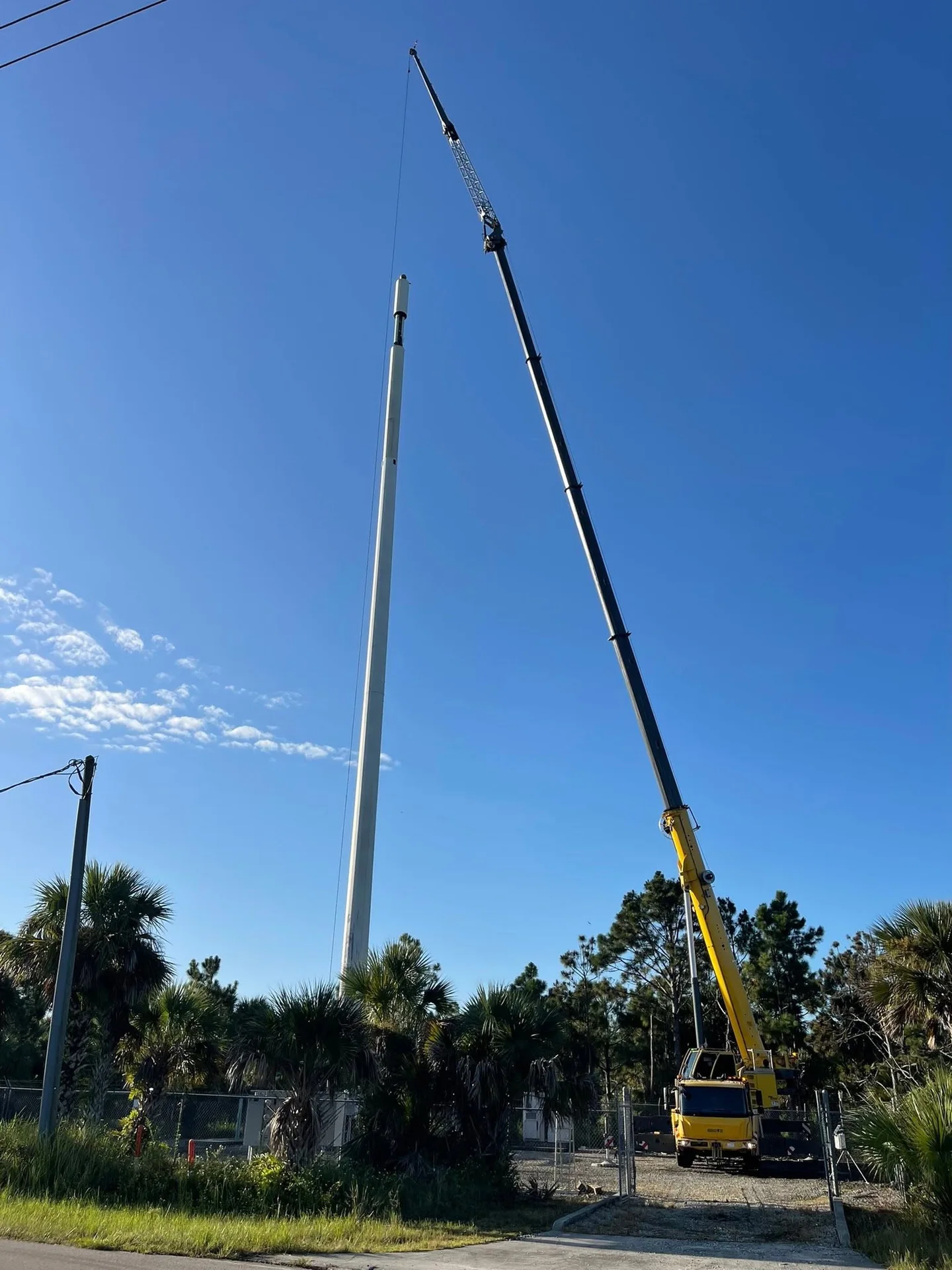
Mobile crane services with operators for equipment lifts, construction projects and machinery placement. Based in Edgewater, Faletti plans each lift around the load and site.

PLAN YOUR LIFT EXPLORE CRANE SERVICES

Faletti-branded white truck-mounted crane with its boom positioned over the cab.
FALETTI SERVICES INC. THE WORK STARTS HERE.

THE EQUIPMENT / THE PEOPLE / THE PLAN

BUILT AROUND
YOUR NEXT LIFT.

  1. 01

    Diverse Fleet

    Hydraulic cranes, all-terrain cranes, and more.

  2. 02

    NCCCO-Certified Operators

    Safety and precision guaranteed.

  3. 03

    Flexible Rental Terms

    Short-term or long-term solutions available.

  4. 04

    Modern and Reliable Equipment

    Talk through the equipment options for your job.

  5. 05

    3D Lift Planning

    Ask about 3D lift planning for your project.

ONE CONVERSATION TO GET STARTED

WHAT’S YOUR
NEXT BIG MOVE?

A few details are enough to start the conversation.

PLAN YOUR LIFT BACK TO ALL SERVICES
Install Faletti

INSTALL FALETTI

Keep Faletti close. Open straight to Plan Your Lift, with the menu, Call link and the rest of the site still available.

Install a shortcut to Plan Your Lift. An internet connection is required; installing does not submit an inquiry or provide offline access.

Installation options depend on your browser and device.

For a Home Screen shortcut, first open Plan Your Lift, then follow your browser’s steps. Navigating there leaves any current unsaved draft behind.

iPhone or iPad · Safari

Open the form in Safari. Use Share (sometimes inside the Page Menu), then Add to Home Screen. If offered, turn on Open as Web App, then tap Add. If the option is missing, check Edit Actions in the share sheet.

Android · Chrome

Open the form in Chrome. Open the ⋮ menu, choose Install and create shortcut, then Install if offered. Older versions may call this Add to home screen. Some devices offer a shortcut instead. Follow Chrome’s confirmation steps.

Computer · Chrome or Edge

In Chrome, use More → Cast, save, and share → Install page as app, if offered. In Edge, use Settings and more → More tools → Apps → Install this site as an app, if offered. An install icon may also appear in the address bar.

Mac · Safari

On macOS Sonoma or later, open the form in Safari and choose File → Add to Dock (or Share → Add to Dock). Review the name and choose Add.

Another browser, or no install option?

Look for Install or Add to Home Screen in your browser’s menu or share sheet. Availability and wording vary; a shortcut may open a browser tab. If your browser has no option, bookmark Plan Your Lift and use the website normally.